Address
7 Pudding Hollow Road
Hawley, MA 01339
Work Hours
Monday to Friday: 7AM - 7PM
Weekend: by arrangement

Address
7 Pudding Hollow Road
Hawley, MA 01339
Work Hours
Monday to Friday: 7AM - 7PM
Weekend: by arrangement


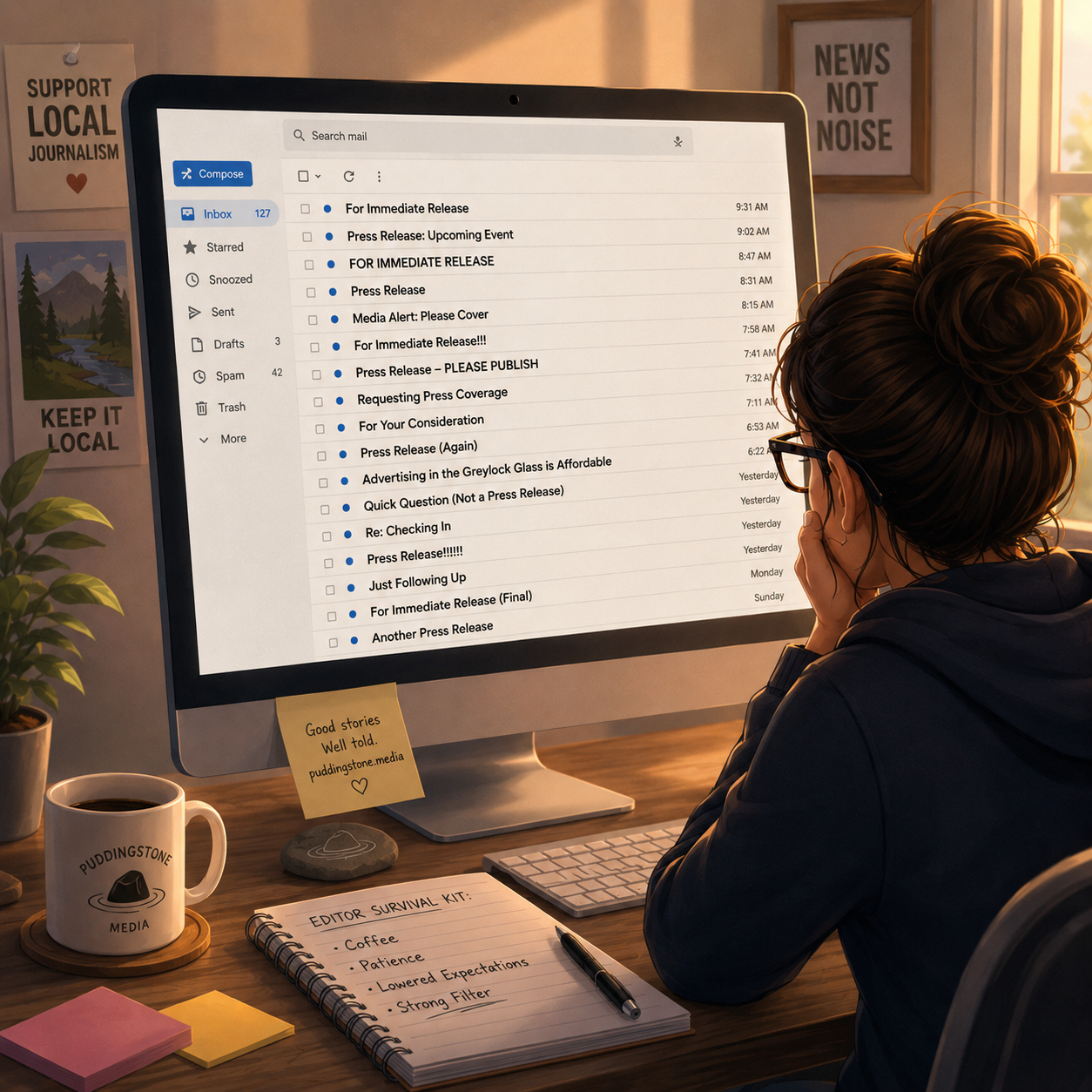
Now that the Berkshires and Western Mass Arts & Culture ecosystem is coming into full bloom, I’m receiving dozens of press releases per day. Some of these releases are…passable. Many could use some help. Some I pray did not get printed for fear that a tree died in vain.
Although I’m trying to drum up business for Puddingstone Media, my communications consulting and management studio, I’m going to give away some tips about images and press releases free right now. If only in hopes that this will one day save my own sanity.
By neglecting some basic information, my beloved comms people, you create EDITORIAL FRICTION. As an editor, I don’t like friction. Usually means that I have to e-mail back and forth with you to get info or assets that should have been included with your release.
1) Don’t make me ask for them. If you want me to write about your annual flower show, include gorgeous pictures from last year’s show. Preferably with attractive humans involved, maybe stooping to smell a flower. Photos of babies smelling flowers reign supreme.
2) Do NOT include stolen images. It’s happened. ‘Nuff said.
3) Know the difference between editorial images and promotional images.
If the image contains text, as do flyers and posters, it’s probably a promotional image. Most news organizations are looking for a clean photo (or possibly an illustration) to use as a featured photo, and possibly a couple extra photos to use in the body of an article. A small version of a flyer might make the cut if the image is strong, and the information contained reinforces the article. A photo of people performing on stage, for example = editorial. An image of people performing on stage with the name of the production, run dates, and ticket prices = promotional.
4) Image file names can and should contain the photographer’s name, if known. Image sizes can also be helpful (800 x 600-72 dpi). This information reduces friction, whereas IMG00584 is not quite as helpful.
5) Cutlines/Captions should be provided. Again, with the photo credit. An editor may change the caption before the “; photo by _____,” but that photographer’s name is a must. If you don’t have it, or don’t need to indicate it for your own reasons, indicate that “; submitted photo” or “; photo courtesy…” is acceptable. The NAMES of the people portrayed in the images, with location info — “Jane Smith (left) gets sniffy with a rose blossom at…”
5b) If you are sending photos for release that include children, please be sure you have the parents’ permission to distribute the photos. If you regularly have minors in your organization’s or business’ programs, you might think about getting a standard image release form drafted for parent signatures before the child participates.
6) Photo size — if possible, provide high res and web-ready versions. Yes, I can downsize a 2400 px wide, 300 dpi photo. But why would you make me do that? Why would you introduce that friction? If, on the other hand, you include 75 x 100 px photos that look like they were taken by a vintage 2002 flip phone (I’m not making this up; it happened TODAY) I’m going to either run no photo at all or delete the whole headache release from my inbox.
7) Aspect ratio choices. Being able to select a striking landscape photo image for the featured image makes me very happy. Quality portrait ratio images are fine, but include at least one solid landscape.
And this is really where you can pull it all together: EPKs — Electronic Press Kits. Set up a cloud drive — Google Drive, Dropbox, whatever. For each release, as you start collecting images and documents that might be relevant to the event announcement, place them in a designated folder on the cloud drive.
When you have the press release finalized, place a PDF AND a Word doc version of the release in the folder. Process the images as described above and place them in the folder. Videos and audio files? Put them in the folder. Delete (or move) anything you don’t intend the writer or editor to receive. Then, make the folder accessible to whoever has a link to it, and send out the press release in the body of the e-mail with a clearly visible link to the EPK on your drive. You want to get fancy? List what assets are to be found in that folder.
Most newsletter services (think Mailchimp) allow you to track both who opened/read your e-mail and who clicked links. This is where you get a sense of what’s piquing editorial interest. And identifying who has placed you on the pay-no-mind list. Some might argue with me here, but I think a comms director is well within her rights to contact a writer/editor by e-mail or phone and ask point-blank, “So I see that you haven’t opened the last five press releases I’ve sent — can you tell me if you just aren’t interested in our organization or if there’s something that we’re doing that makes it hard to access the information you need to make an editorial judgment about our events?”
I realize that framing as an either/or might seem a bit manipulative. You shouldn’t care. You’re business is to get butts in the seats or to sell widgets or to book appointments for services. If you’re investing time and talent into crafting and blasting your message out there, it’s up to YOU to figure out what’s not working if the ROI falls short. You never know, the answer could be as simple as, “Huh. The guy who used to do your job wasted so much of my time and created so much editorial friction that I kinda gave up on your organization. Now that I know someone competent is in charge now, I’ll start keeping an eye out for your announcements.
I also know that technological comfort levels vary from person to person. If you’ve never needed to use image editing software (or mail services, or cloud drives) you may feel some anxiety about rolling up your sleeves and digging in. These days, any number of cheap or free options are available that require very little foreknowledge to get up and running. We’ll cover some of the options in later posts.
I used to drive a medical passenger van. Before every trip, we drivers had to complete a pre-flight checklist. These days, I’m on a volunteer fire and rescue department. LOTS of checklists, pre- and post-. Every time I see a press release with the subject line ***CORRECTION (I’ve even seen ***SORRY!!! ANOTHER CORRECTION), I wince. I’ve been guilty of it. Maybe twice. It’s not a good look. It’s not a good feeling. Both sending corrections and having editors contact you to tell you they don’t have what they need is an embarrassment that can be avoided by following a pre-send checklist that becomes a disciplined routine. Correct photos? Check. Captions with photographer’s name? Check. Video from last year’s event? Check. And so on. Believe in the process.
Lastly, I realize that it is true, too, is that some of you never signed up for this job. Maybe your org or business had a comms person once, but never replaced them when they left. Now it’s up to you, overworked development staffer or administrative assistant, to add press releases to your increasing list of responsibilities. And I get that. The reality is, though, that your business or audience is going to decline if you can’t communicate effectively with them.
Engineering a process that promotes your message by reducing editorial friction for the recipient is the single best way to increase the likelihood that your press release gets read, taken seriously, and published. Once the steps I’ve outlined become habit, you’ll find that it actually takes less time to blast out one accurate, engaging e-mail than it does answering questions from 18 different editors looking for the same missing information.
Puddingstone Media can help with any and all aspects of your PR efforts, from coaching to management of your outward bound press communications. Click the “Get in Touch” button at the top of the page if you want to talk.
